What was released
In its October 6 Stable channel update, Google promoted Chrome 155 to Stable for desktop. The new version does not ship to every device at once. It rolls out in stages over days to weeks. If you wait for the automatic rollout, some devices receive the fixes correspondingly later.
| Item | Details |
|---|---|
| Release date (US local time) | October 6, 2026 |
| Stable version | Windows and Mac 155.0.8059.39/.40, Linux 155.0.8059.39 |
| Rollout | Staged over days to weeks |
| Security fixes | 247 (Critical 4 · High 53 · Medium 122 · Low 68) |
| Exploitation in the wild | Not mentioned in the release notes |
| Bug details | Access may be restricted until a majority of users are updated. Bugs in third-party libraries that other projects also depend on may remain restricted after that |
Four Critical bugs: all use-after-free
| CVE | Type | Component | Reported |
|---|---|---|---|
| CVE-2026-106382 | Use after free | Chromecast | 2026-07-15 |
| CVE-2026-106197 | Use after free | Browser | 2026-09-11 |
| CVE-2026-106358 | Use after free | Navigation | 2026-09-28 |
| CVE-2026-106347 | Use after free | Track | 2026-09-30 |
A use-after-free bug occurs when a program keeps using a memory region after it has been freed. If an attacker can fill the freed memory with data of their choosing, they can redirect the program’s flow, which can lead to code execution.
What the rating means also matters. Under the Chromium severity guidelines, Critical applies to flaws that let an attacker access files or the network with the user’s privileges outside the sandbox, such as memory corruption in the browser process that web content can trigger. Flaws that allow code execution only inside the renderer sandbox are usually rated High. The detailed attack conditions for the four bugs have not been published yet.
The reporter credits are also worth noting. Two of the four Critical bugs were reported from analysis assisted by an AI model, and several High bugs were also reported with help from AI models or AI security tools. As vulnerabilities are found faster, how quickly fixes reach devices becomes a factor in enterprise security.
53 High bugs: concentrated in layers that parse data
| Component | Count | Main types |
|---|---|---|
| ANGLE (graphics API translation layer) | 7 | Uninitialized resource 5, Type confusion 1, Use after free 1 |
| Media | 5 | Use after free 4, Uninitialized resource 1 |
| V8 (JavaScript engine) | 3 | Race condition, Type confusion, Use after free |
| 2 | Use after free | |
| WebRTC | 2 | Use after free |
| Dawn · Tint (WebGPU implementation) | 2 | Uninitialized resource, Use after free |
| Skia (2D graphics) | 1 | Uninitialized resource |
| SiteIsolation | 1 | Incorrect permission grant |
| Other components | 30 | See the release notes |
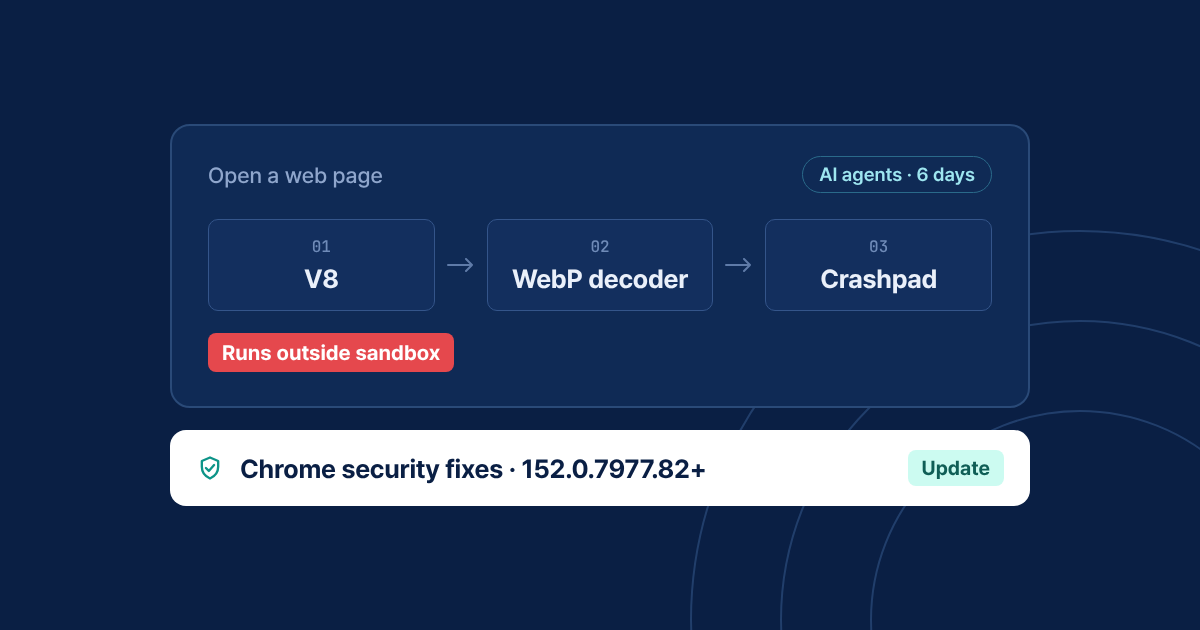
Of the 23 bugs in the table above, 22 are in layers that parse data received from outside, such as graphics, media, PDF and scripts. Flaws in these layers can be triggered when a user simply opens a web page or views a video or PDF, so users who only visit work sites still need the update.
What enterprises should check now
| Check | Baseline | How |
|---|---|---|
| Chrome version | 155.0.8059.39 or later (.39 or .40 on Windows and Mac) | Asset management tool or chrome://version |
| Devices with Chrome not yet relaunched | Chrome relaunched after the update | Set a relaunch deadline with the RelaunchNotification and RelaunchNotificationPeriod policies |
| Devices waiting on the staged rollout | Do not wait for the automatic rollout | Deploy the Chrome 155 installer directly with enterprise deployment tools |
| Other Chromium-based browsers | Vendor build that includes the 155 fixes | Check the vendor’s security advisories and version information |
| Work apps that embed Chromium | Chromium version of work apps built with Electron and similar frameworks | Check the vendor’s update schedule |
Until details are published, there is no way to confirm whether a temporary workaround, such as disabling a specific feature, actually works. The definitive fix is to update.
BrowZen’s response principles
BrowZen is a Chromium-based enterprise browser. When a Chrome security update is released, BrowZen follows these principles.
| Step | Details |
|---|---|
| Check | We review Google’s security announcements daily and check whether each fix has been applied to BrowZen |
| Apply | For fixes that need to be applied, we prepare a patched build and inform customer administrators |
| Disclose | We do not publish detailed impact information before the patched build is released |
When you choose an enterprise browser, how quickly it picks up security fixes from its browser engine matters as much as its feature list. When you evaluate one, ask the vendor for its criteria and track record for applying Chromium security fixes. The basics of enterprise browsers are covered in What a Secure Enterprise Browser Is.